
Choosing social media marketing tools is not really a question of collecting the largest number of dashboards. The useful question is narrower: which platform will help a small business owner, social media manager, freelancer, or marketing student plan, publish, measure, and improve organic content without creating more administration than the work itself? This comparison focuses on that buyer job. It does not rank native advertising platforms, agencies, design software, or artificial-intelligence writing tools as if they were interchangeable with a social media management platform.
The seven products below are credible options for managing recurring social content across networks. Their capabilities and prices change, so use the linked official pages to verify the current 2026 plan limits before purchasing. The evaluation uses five practical criteria: publishing workflow, breadth of supported channels, analytics useful for decisions, collaboration and approval controls, and total implementation burden. A sixth question runs through every section: who should not buy it? A tool can be excellent and still be wrong for a solo shop, an agency, or a team that needs a capability outside its design.
For an Egyptian online store, the practical workflow might be a weekly Arabic product calendar, Instagram and Facebook publishing, comment monitoring, and a monthly report. For a Saudi consultant, the need might instead be LinkedIn thought leadership, approval from a client, and proof of business value. Those are different operating problems. The best choice is the tool that matches the repeated work, not the one with the longest feature page.
1. Buffer: The Lightweight Choice for Consistent Publishing
What it does well and where it creates friction
Buffer is a strong starting point when the central job is maintaining a reliable publishing queue across a modest number of social profiles. Its interface is generally easier for beginners to understand than an enterprise-oriented command center. A freelancer can create separate queues for a client’s Instagram, Facebook, LinkedIn, or other supported profiles, prepare posts in batches, and review the calendar before publishing. The exact channels and limits depend on the current plan, so check Buffer’s official pricing page before promising a client a particular workflow.
The mechanism is simple but valuable: instead of remembering to publish at 10 a.m. every day, the marketer prepares a content queue and reserves live time for replies, customer research, and performance review. That separation matters for a small shop owner who cannot be online during every posting window. It also reduces a common operational mistake: publishing an offer before checking whether the landing page, price, and stock information are still current.
- Best for: solo marketers, creators, small stores, and freelancers who need a clear scheduling routine.
- Does not suit: teams requiring advanced customer-care operations, deep social listening, or complex approval chains.
- Standout: low cognitive load for building a repeatable content calendar.
Implementation and commercial model
Implementation burden is usually low. Start with one content pillar, such as educational posts, product proof, or customer questions, then create a queue for each approved channel. A useful starting policy is to prepare two weeks of content before adding more automation; that is an illustrative workflow, not a universal publishing benchmark. Keep a manual review step for Arabic copy, prices, dates, and culturally sensitive wording.
Buffer uses a subscription model with plan differences that may affect channels, seats, and publishing capacity. Verify the current price and included limits on the official page rather than relying on an old tutorial. Buffer does not suit a brand that needs a unified inbox as its main operating system, a large approval structure, or detailed reporting for many clients. It is also a poor fit if your team expects the scheduling tool to replace a content strategy, creative testing plan, or conversion analytics.
2. Hootsuite: The Broad Workspace for Larger Publishing Operations
When the broader workspace is worth the overhead
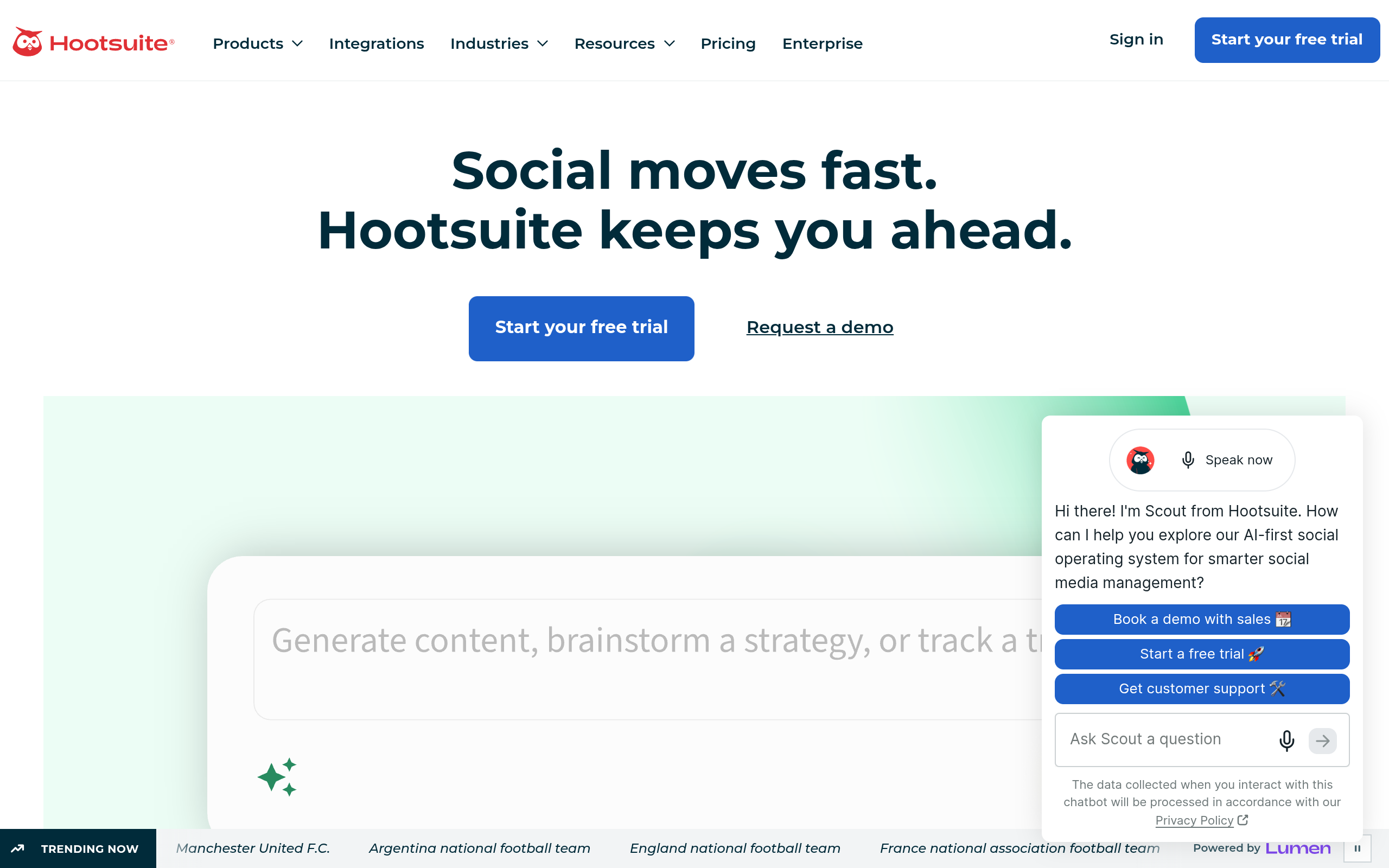
Hootsuite is aimed at organizations that want more than a simple queue: multiple social accounts, team workflows, monitoring, publishing, and reporting in a central environment. Its official plans page should be the reference for current plan structure and limits. The value proposition is operational rather than purely creative: a marketing lead can organize responsibilities, a reviewer can approve content, and a manager can inspect activity without asking every employee for screenshots.
This matters for a growing Saudi retailer with separate brand and campaign accounts, or for a freelancer managing several clients who need formal approval. A centralized process can prevent two costly errors: two people publishing conflicting messages, and a campaign going live before the client has approved the offer. However, more controls also mean more setup. If the team has only one person and ten posts per month, a broad workspace may become an expensive calendar with unnecessary administration.
- Best for: multi-person marketing teams that need organized publishing, review, monitoring, and reporting.
- Does not suit: a beginner who wants the shortest path from idea to scheduled post.
- Standout: a fuller operating environment for teams with several accounts and responsibilities.
Implementation, pricing, and a control decision
Implementation burden is medium to high. Before inviting the whole team, define account ownership, user roles, approval stages, naming conventions, and the person responsible for urgent corrections. Create a test post on each channel and verify formatting, links, mentions, and media cropping. A short written policy should answer whether a scheduled post can be edited without approval and who can pause the queue during a crisis.
Hootsuite is sold through subscription plans, and the commercial decision should include the cost of seats, account capacity, and reporting requirements. Confirm current terms on the official plans page. It does not suit a price-sensitive student building a personal portfolio, a local shop with a very small content volume, or a team that refuses to maintain permissions and approval rules. The platform can centralize work, but it cannot fix unclear ownership or a calendar filled with weak content.
3. Sprout Social: The Reporting and Customer-Care Option
Why teams choose it
Sprout Social is best considered when social media is partly a customer-service and measurement function, not only a publishing task. Its official pricing page describes the current commercial structure, while the product’s positioning supports workflows involving publishing, engagement, analytics, and team activity. For a brand receiving frequent questions about delivery, returns, appointments, or product availability, the value is the ability to treat conversations as operational work rather than scattered notifications.
The decision mechanism is volume and consequence. If a missed direct message can lose a customer, a structured inbox and assignment process may justify a more expensive platform. If the account receives occasional likes and a few comments, the same investment may be difficult to defend. Strong reporting is useful only when the team has decisions attached to it: change a content pillar, investigate response time, brief sales, or adjust the next campaign.
- Best for: established brands that need reporting, engagement workflows, and accountability across a team.
- Does not suit: beginners who only need basic scheduling or owners with no time to review social data.
- Standout: turning social conversations and performance reports into managed business processes.
Implementation burden and commercial caution
Implementation burden is high relative to a basic scheduler. Decide which messages require escalation, create response categories, train staff on tone, and establish a reporting cadence. A useful monthly report should connect activity to a decision: for example, “questions about delivery increased after the promotion, so the next product post will include a delivery estimate.” A report full of reach numbers but no action is not a measurement system.
Sprout Social uses a professional subscription model. Check the official pricing page for current per-user, feature, and plan details because commercial terms can materially change the fit for a freelancer or small business. Sprout Social does not suit a creator who needs visual planning above all else, a new learner with no historical data, or a microbusiness that cannot assign someone to answer incoming conversations. Buying a sophisticated inbox without a response policy creates a more expensive version of the same neglect.
4. Later: The Visual Planning Choice for Instagram-Led Brands

Visual workflow and channel fit
Later is a sensible option for brands where the visual arrangement of content is central, especially businesses that depend on product photography, short-form video, creator content, or a carefully sequenced Instagram presence. Its official pricing page is the safest place to verify the current supported social profiles, features, and plan limits. Later’s appeal is not simply that it schedules posts; it helps a marketer inspect how visual assets will sit together before publication.
Consider a fashion seller preparing a Ramadan collection. The operational problem is not just “publish seven posts.” It is selecting a coherent sequence of product images, checking whether repeated colors make the grid feel monotonous, coordinating creator assets, and ensuring every post has a useful call to action. A visual planner can make that review easier. It does not, however, establish whether the offer is profitable or whether the audience is ready to buy.
Verdicts, setup, and pricing model
- Best for: visual brands, creators, boutiques, restaurants, and teams planning Instagram-heavy content.
- Does not suit: organizations whose main requirement is social customer support or complex approval governance.
- Standout: visual inspection of a content sequence before it becomes public.
Implementation burden is low to medium. Build a media library with clear filenames, separate approved assets from drafts, and document aspect-ratio requirements. Before scheduling, check the caption, tagged accounts, music or audio rights, location, and destination link. For Arabic content, inspect line breaks and punctuation on the actual mobile preview; a polished image can still look careless when the caption is difficult to scan.
Later follows a subscription model with plan-dependent capabilities. Verify current pricing and limits on its official page. It does not suit a B2B team whose main channel is long-form LinkedIn publishing, a support-heavy brand, or a business that expects the tool to generate a complete visual identity. Its visual strength is useful only when the team has enough quality assets to plan; it cannot manufacture a consistent brand from random photos.
5. Metricool: The Practical Analytics and Planning Balance
What makes it useful for small marketers
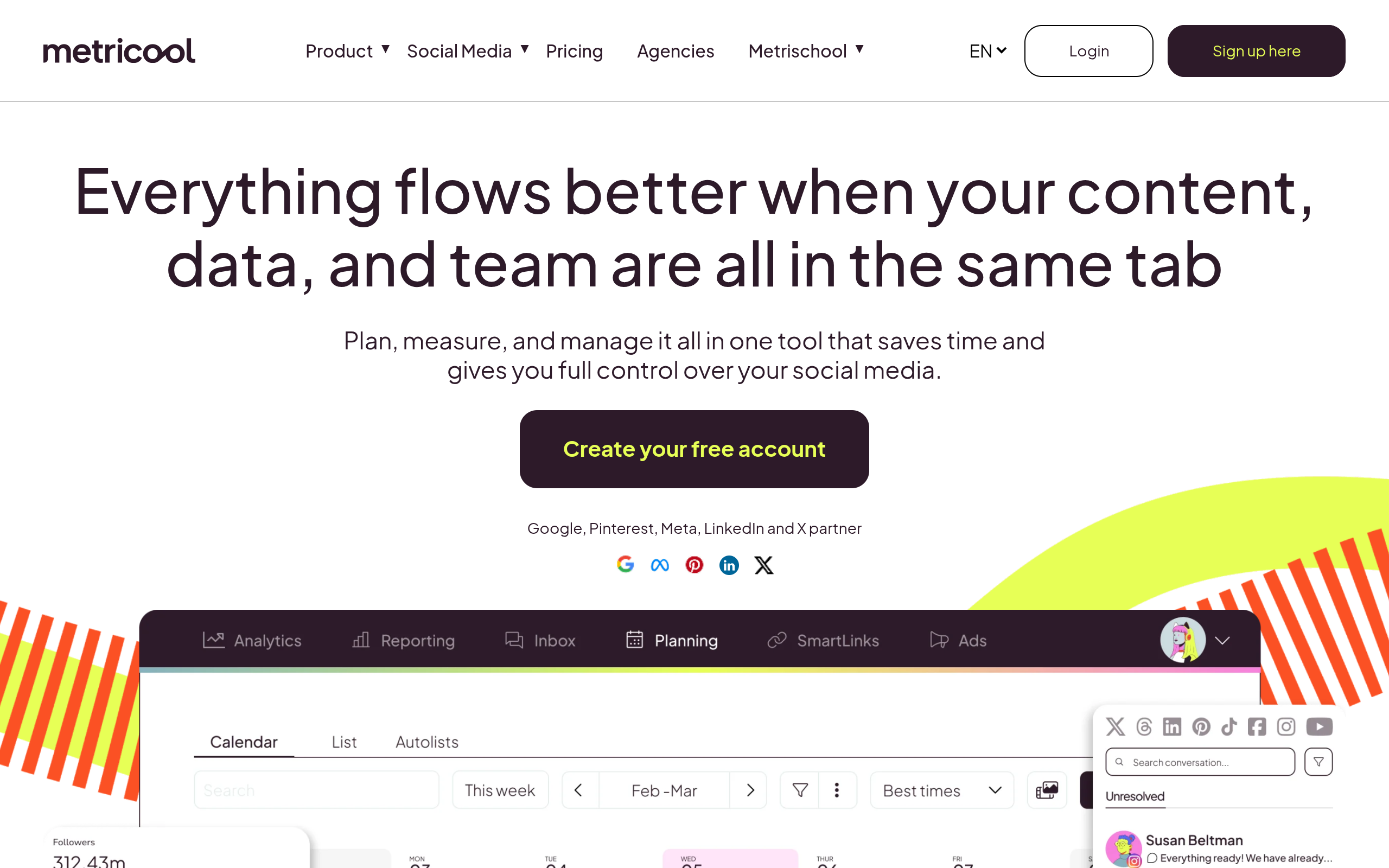
Metricool is a credible middle-ground choice for users who want planning, performance dashboards, and a more measurement-oriented routine without immediately adopting an enterprise workspace. Its official pricing page is the reference for current account, brand, and feature limits. The important use case is a marketer who wants to connect publishing decisions with evidence: which formats earn meaningful interactions, which channels consume time without producing useful outcomes, and which content deserves a follow-up.
For example, an Egyptian online educator might publish the same lesson idea as a Reel, a carousel, and a LinkedIn post. The useful analysis is not simply choosing the post with the highest reach. The marketer should compare the content format, audience action, profile visits, link clicks, and qualified inquiries where those measurements are available. External analytics still matter: Google explains that campaign URL parameters can help identify traffic sources in Analytics through its official documentation at Google Analytics Help. A social dashboard should support that measurement plan, not replace it.
- Best for: freelancers, small teams, and marketers who want scheduling plus accessible cross-channel reporting.
- Does not suit: teams requiring deep enterprise governance or a dedicated customer-care command center.
- Standout: connecting a practical publishing calendar with recurring performance review.
Implementation burden and commercial model
Implementation burden is medium. First define the brands, channels, and reporting questions; then connect accounts and confirm time zones. Build a monthly template with only the metrics that lead to action. An illustrative starting policy could be to review the top three posts by meaningful business action and the bottom three by effort, but that is a working method rather than a universal benchmark.
Metricool uses subscription plans with current limits shown on its official pricing page. It does not suit a manager who needs every customer conversation assigned and escalated, a large corporation with extensive permission requirements, or a beginner who has not yet established what success means. More analytics can increase confusion when the team has no agreed definition of a qualified lead, a useful interaction, or a successful content experiment.
When paid activity enters the picture, keep the categories separate. Native ad platforms control ad delivery, while a social management tool organizes content and may summarize results. An AI marketing client connected through Meta Ads MCP can help a reader connect an AI marketing client to Meta Ads for campaign analysis and reversible optimization; that is specifically about Meta Ads, campaign analysis, and marketing automation, not a replacement for the organic publishing tools compared here.

6. Zoho Social: The Integrated-Business Option for Zoho Users
Where it fits
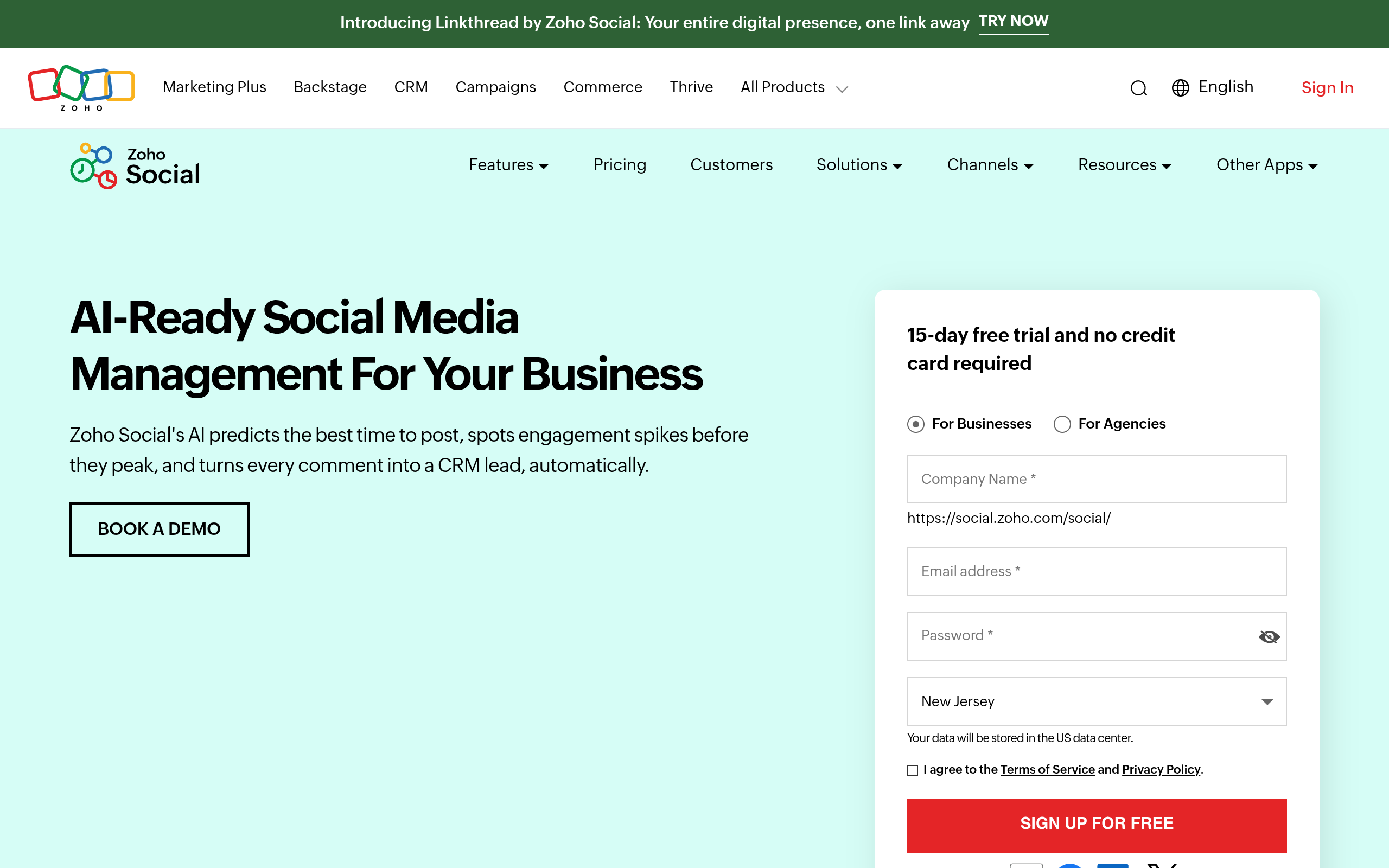
Zoho Social is most attractive to a small or mid-sized business already considering the wider Zoho ecosystem, or to a team that wants social publishing connected conceptually to broader business operations. Its official pricing page should be used to verify current channels, features, team options, and plan terms. The buyer job remains social management, but integration context can influence the decision when marketing, customer records, and reporting are already organized around Zoho products.
A practical example is a training business promoting course cohorts. The social manager may need a calendar, approval from the program owner, and a way to connect campaign activity with lead follow-up elsewhere in the business. The platform can be more compelling when reducing tool fragmentation matters. Yet integration should be evaluated by an actual workflow—such as “a lead from a campaign receives a defined follow-up”—rather than by the number of logos on an integration page.
- Best for: small businesses that already use Zoho or want a broader business-software environment.
- Does not suit: a visual-first creator who wants the most specialized media-planning experience.
- Standout: fit with an existing business-software decision rather than social publishing alone.
Setup burden and commercial model
Implementation burden is medium. Map the workflow before connecting accounts: who drafts, who approves, where leads go, and which report is reviewed. Test permissions with a non-administrator account and confirm that the labels used by the social team match the labels used by sales. If the business does not use the surrounding Zoho environment, the integration advantage may be smaller than expected.
Zoho Social uses paid plans with current details on its official pricing page. It does not suit a freelancer who needs to switch rapidly among unrelated client systems, a team that wants only a minimal scheduler, or a company buying it solely because “integration” sounds valuable. The commercial model should be judged against the full software stack and training time, not against the social subscription in isolation.
7. Sendible: The Client-Management Option for Freelancers and Agencies
Why client workflow changes the choice
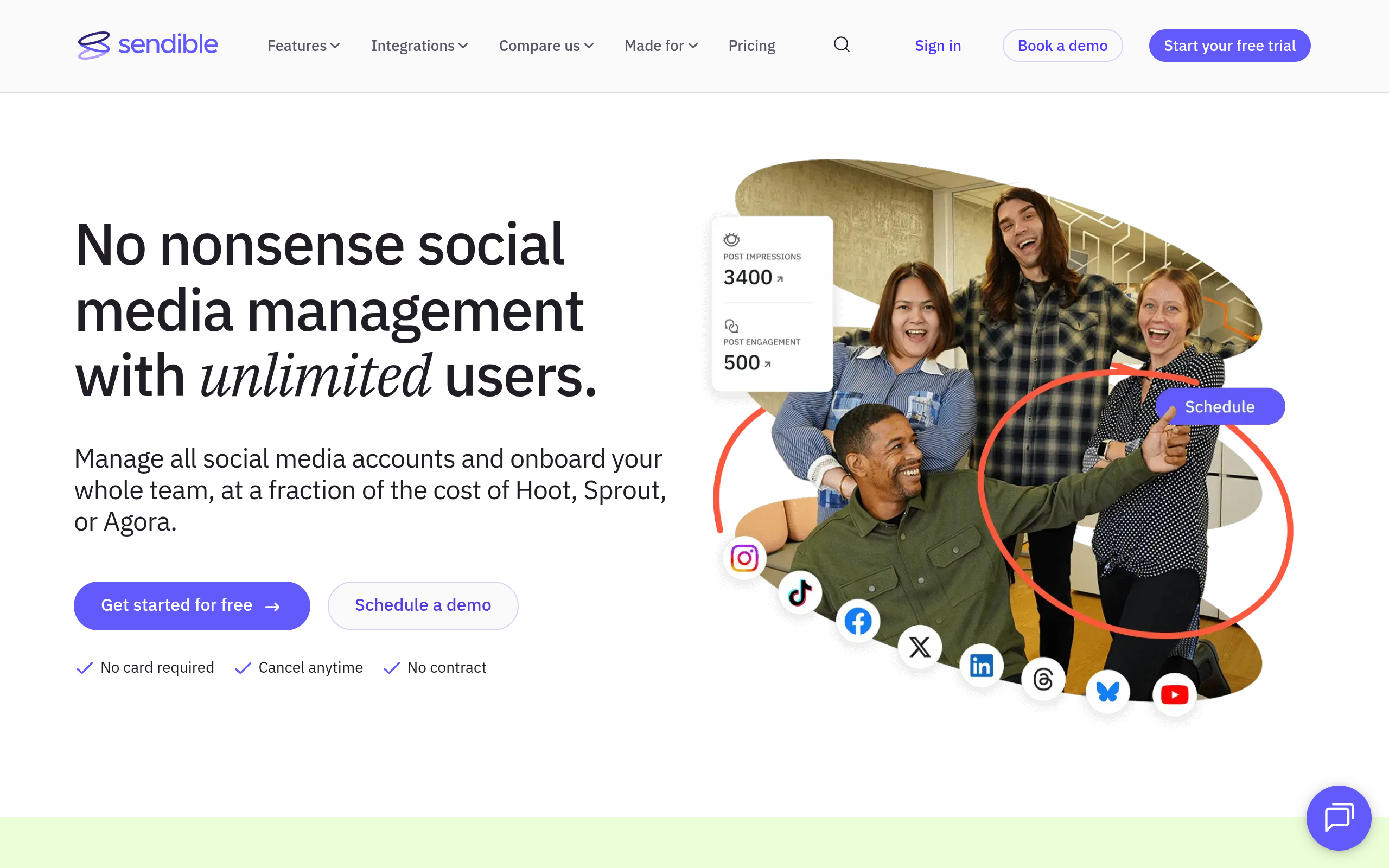
Sendible is designed for agencies, freelancers, and client-facing marketers who need to manage social work as a service. Its official pricing page is the appropriate source for current plan limits and commercial terms. The relevant advantage is not merely scheduling multiple accounts; it is organizing brands, approvals, reporting, and recurring client deliverables in a way that can be repeated across accounts.
Suppose a freelancer manages a dental clinic, a restaurant, and an online store. Each client has different tone, approval speed, content pillars, and reporting expectations. A client-oriented platform can reduce accidental cross-posting and make the monthly report process more consistent. But the freelancer still needs a separate contract, asset folder, approval deadline, and escalation rule. Software does not create a professional service by itself.
- Best for: freelancers and agencies managing several clients with repeatable approval and reporting work.
- Does not suit: a single local business with one account and no client-reporting obligation.
- Standout: treating social management as a deliverable with client boundaries.
Implementation burden, pricing, and poor-fit signals
Implementation burden is medium to high. Create a workspace for every client, label assets by campaign and date, and use a written approval deadline. Before sending a report, confirm that the selected period, time zone, account names, and goals match the client’s brief. A good starting policy is to offer one standard report and one optional custom page, rather than rebuilding every report from zero; this is an illustrative operating policy, not a promise about Sendible’s functionality.
Sendible uses subscription plans, with current pricing and included limits listed by the company. It does not suit a beginner who has only one personal account, a brand that needs extensive social listening, or an agency unwilling to standardize its service. If each client receives a completely different process, the platform’s organizational benefit may be consumed by customization.
Comparison
The table uses the same decision columns for every product. “Burden” describes the amount of planning, permissions, training, and maintenance likely to be needed—not a claim about a specific number of hours. “Commercial model” is intentionally general because plans and prices can change during 2026.
| Tool | Primary job | Best operating context | Implementation burden | Commercial model and main limitation |
|---|---|---|---|---|
| Buffer | Simple scheduling and queue management | Solo marketer, creator, small shop | Low | Subscription plans; limited fit for advanced support and governance workflows |
| Hootsuite | Centralized publishing, monitoring, and team operations | Multi-person organization with several accounts | Medium to high | Subscription plans; can be excessive for low-volume solo use |
| Sprout Social | Engagement operations, reporting, and managed social workflows | Established brand with customer-care needs | High | Professional subscription; poor value without reporting and response ownership |
| Later | Visual planning and publishing for content-led brands | Instagram-heavy retailer, creator, or lifestyle brand | Low to medium | Subscription plans; less suitable as a support or governance center |
| Metricool | Planning combined with accessible analytics | Freelancer or small team reviewing channel performance | Medium | Subscription plans; not a substitute for enterprise controls or full support operations |
| Zoho Social | Social management within a broader business-software context | Business already using or evaluating Zoho | Medium | Subscription plans; integration value falls if the wider ecosystem is unused |
| Sendible | Repeatable client publishing, approvals, and reporting | Freelancer or agency with multiple accounts | Medium to high | Subscription plans; customization can undermine efficiency without standard processes |
How to Choose the Right Social Media Marketing Tool
Start with the recurring job, not the feature list
Write down the work that repeats every week. If the answer is “prepare and schedule 12 posts,” begin with Buffer or Later depending on whether visual planning is central. If the answer is “assign incoming customer questions and report response activity,” investigate Sprout Social or a broader Hootsuite workflow. If the answer is “produce consistent reports for five clients,” Sendible deserves attention. If performance review is the missing discipline, Metricool may be the more balanced starting point.
- Count the real operating units: profiles, brands, clients, users, and approval stages.
- Separate must-have from attractive: publishing, inbox, analytics, visual planning, and client reporting solve different problems.
- Define one monthly decision: identify what the data will change in the next content cycle.
- Test the failure path: pause a scheduled post, correct a typo, revoke a user, and handle a rejected approval.
- Price the whole workflow: include seats, training, reporting time, creative production, and any analytics tools outside the platform.
Match the tool to audience and content complexity
A beginner learning digital marketing should avoid buying complexity before learning the fundamentals: audience research, offer clarity, content pillars, calls to action, and measurement. A simple scheduler can be enough while the learner builds a portfolio. Someone developing these skills through a structured program such as كورس إبدأ ماركتنج can use the tool as an execution environment for assignments rather than treating the software interface as the skill itself.
A small e-commerce owner should prioritize correctness and speed. The minimum process is a content calendar, a product-information checklist, link tracking, and a weekly review of inquiries and sales signals. If the store has many customer questions, the buyer should prioritize engagement handling over attractive grid planning. If the store has many visual products but low message volume, Later may be more useful than an expensive customer-care platform.
A social media account manager needs repeatability. Use naming conventions such as “Client-Campaign-Format-Date,” keep a separate approval status, and never rely on memory for whether a post is approved. A professional course such as دبلومة السوشيال ميديا can help a learner practice this end-to-end routine, but the chosen platform should remain replaceable: clients may use different tools, and a marketer must understand the process behind the buttons.
Do not confuse scheduling with marketing performance
A scheduler can publish a post, but it cannot guarantee a compelling offer, accurate targeting, fast customer response, or profitable acquisition. Organic content and paid advertising also have different control systems. Meta’s official business resources describe Meta Business Suite as a place for managing Facebook and Instagram business activity, but advertisers should still use the native ad environment and its documentation for campaign settings and delivery decisions; see Meta’s official business tools page for the product context.
Likewise, a high reach number is not automatically a business result. Add trackable links where appropriate, record the content format and offer, and distinguish impressions from clicks, inquiries, purchases, or qualified applications. TikTok, Instagram, Facebook, LinkedIn, and YouTube also have different audience behaviors and native publishing constraints. A cross-channel dashboard can standardize reporting, but it should not encourage copying the same message everywhere without adapting the hook, length, proof, and call to action.
A safe trial decision for 2026
Before committing, run a small, controlled pilot with one brand and one content cycle. This is an illustrative starting policy, not a performance benchmark. During the pilot, measure administrative outcomes rather than expecting an automatic reach increase:
- How long does it take to prepare, approve, and schedule a normal week?
- Can a second person understand the calendar without asking the original author?
- Can the team identify which posts generated meaningful actions?
- What happens when a post needs an urgent correction or cancellation?
- Does the monthly report lead to a specific change in the next calendar?
Choose Buffer when simplicity is the constraint, Later when visual sequencing is the constraint, Hootsuite when centralized team operations are the constraint, Sprout Social when engagement accountability is the constraint, Metricool when practical analytics are the constraint, Zoho Social when ecosystem fit is the constraint, and Sendible when client delivery is the constraint. These are not universal winners; they are constraint-based recommendations.
For most beginners and small businesses, start with the least complex product that completes the weekly job, then upgrade only after a documented bottleneck appears. For freelancers, choose the platform that protects client separation and makes reporting repeatable. For a team, make permissions and approval rules part of the purchase decision. YSA Academy’s practical courses, assignments, daily follow-up, and digital books can support the learning process through YSA Academy, especially when the goal is to build marketing skills from the basics and apply them to real campaigns.
Authored with NotFair SEO